Hotel night audit
Hotel night audit software
Reconcile revenue, occupancy, no-shows and outstanding balances against the property's actual business day before you close it.
Daily financial control
Close the day against the transactions that happened.
A night audit should do more than advance the date. It should explain the day's room revenue, non-room revenue, tax, occupancy, arrivals, departures, no-shows and unsettled guest balances using the same records that produced those results.
StayValor runs the audit within the property's configured timezone and keeps a completed audit record tied to the authenticated staff member. That gives management a repeatable daily close and a history that can be reviewed later.
Revenue that reconciles
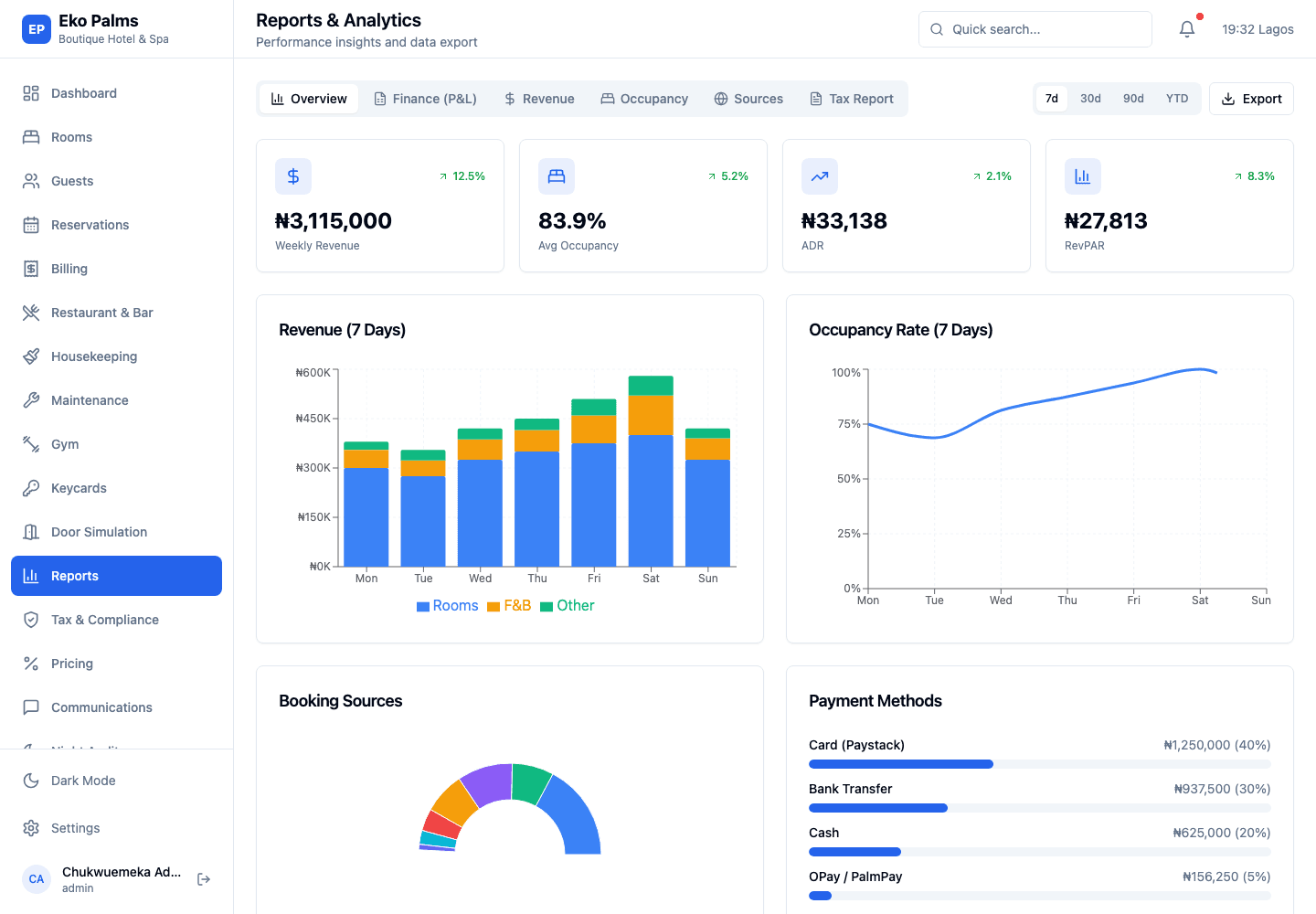
Review payments and posted folio items across room, food and beverage, and other hotel revenue categories.
Exceptions before date roll
Surface no-shows, outstanding balances and operational counts while the team can still investigate the business day.
A defensible audit record
Store the audit date, status, completion time, responsible user, revenue breakdown and occupancy snapshot together.
One business-day definition
Dashboard and reconciliation use the property's local time.
StayValor applies a half-open local-time window to payment reconciliation so the night audit and today's revenue view use the same business-day boundary. Standalone folios are included by property, so relevant F&B, gym and other charges do not disappear merely because they are not attached to a room reservation.
- Room, F&B, tax and other revenue summarized separately
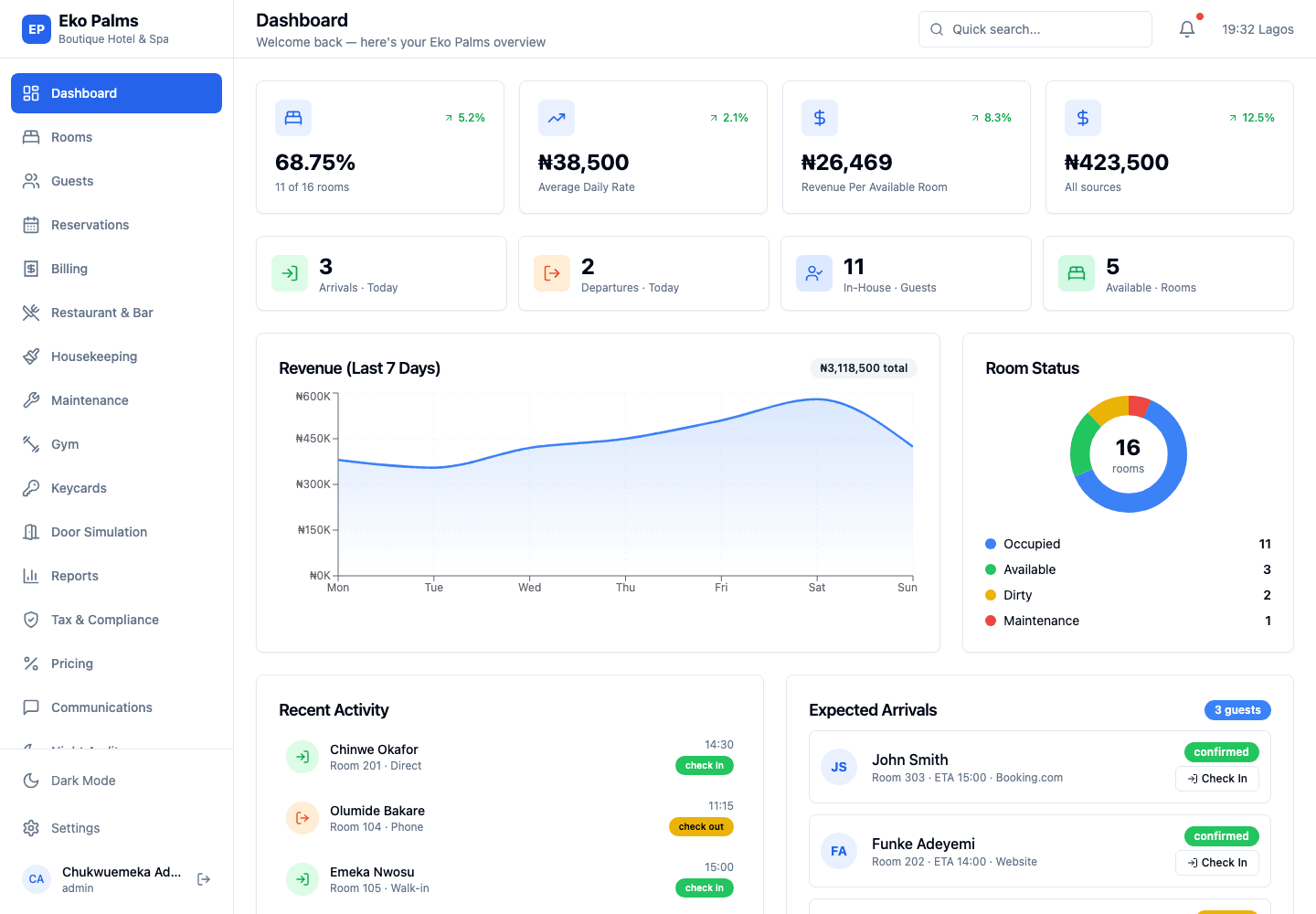
- Occupied, available, arrival, departure and walk-in counts
- ADR and RevPAR calculated from room revenue
- No-show processing and outstanding-balance review
- Property-scoped history and generated audit reports
The close sequence
A repeatable path from review to date roll.
The audit combines automated calculations with the operational checks a responsible closer should complete before advancing the property day.
- 01
Review the open day
Check arrivals, departures, room status, folios, payments and any incomplete guest transactions.
- 02
Reconcile revenue
Compare payment totals and posted revenue by category within the property's local-time window.
- 03
Capture operational results
Build the occupancy snapshot, process no-shows and retain the day's performance measures.
- 04
Complete and roll
Record the responsible user and completion time, then advance the hotel business date through date roll.
Close controls
The figures and exceptions behind the hotel day.
Use a consistent close process that connects operational status, guest balances and financial activity.
Revenue reconciliation
Property-scoped payment totals within the configured local business-day boundary.
Revenue posting
Room, F&B, tax and other folio items summarized without excluding standalone folios.
Occupancy snapshot
Occupied and available rooms with arrivals, departures, walk-ins and occupancy rate.
No-show processing
Identify eligible unarrived reservations and retain the resulting no-show count and details.
Outstanding balances
Review unsettled folios, including eligible standalone accounts not tied to a reservation.
Audit history
Retrieve completed audit records and generate a report for the selected property and date.
Questions
What hotel teams ask before a demo.
What does the StayValor night audit calculate?
The audit records room, F&B, other and tax revenue; occupied and available rooms; occupancy rate; ADR; RevPAR; arrivals; departures; walk-ins; and processed no-shows for the business day.
Does the audit use the hotel's local timezone?
Yes. StayValor reads the property's configured timezone and uses that local date for audit status, reconciliation and related business-day processing.
Are restaurant or gym folios included without a room reservation?
Yes. Revenue and outstanding-balance queries are scoped through the property and folio rather than requiring every eligible folio to have an associated room reservation.
How does cash-shift reconciliation support night audit?
Cash folio payments automatically post to the collecting employee's open shift. This allows the hotel to compare folio cash collected, the drawer's expected balance and the physical count at shift close.
Can management review previous night audits?
Yes. Audit history is property-scoped and can be filtered by date. Each audit retains status, completion details, revenue measures, occupancy measures and supporting detail.
Related solutions
Run the close with your own hotel scenario.
Bring a typical business day, your revenue categories and the reconciliation problems that consume the most time. We will use them in the demo.